
Laptop Overheating or Shutting Down Repair
We diagnose airflow and cooling failures that trigger heat spikes or shutdowns.
Laptop overheating repairLaptop overheating repair in Amarillo, TX. Fix loud fans, thermal shutdowns, and cooling failures to protect your hardware.
We diagnose thermal issues for Amarillo, TX laptops, including clogged vents, failed fans, and worn thermal paste. If you are looking for laptop overheating repair near me, we will restore safe temperatures.
If you are in Amarillo, TX and searching for laptop repair near me, we can confirm the right fix and timeline before any work begins. We prioritize reliable repairs that keep your laptop in service.
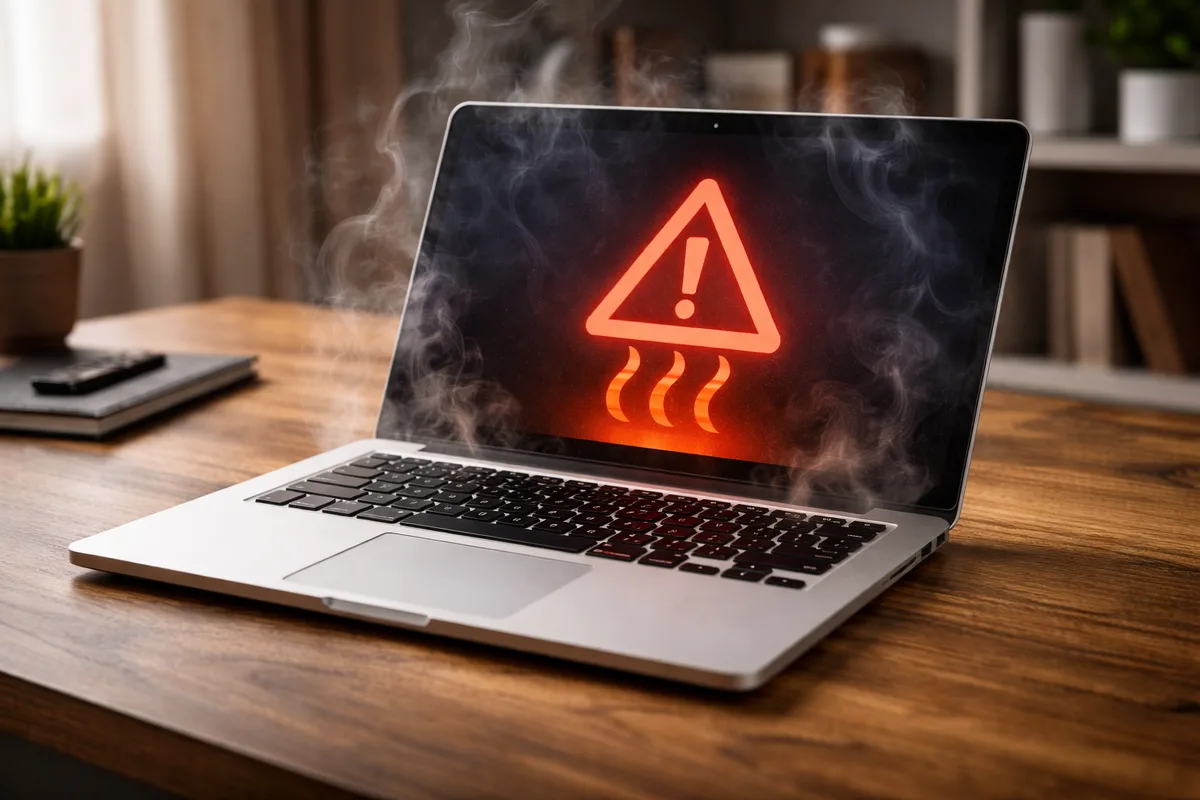
Heat and fan problems can throttle performance or shut a laptop down. We clean, repair, and test the cooling system.
We diagnose airflow and cooling failures that trigger heat spikes or shutdowns.
Laptop overheating repairWe quiet loud fans and restore cooling performance.
Laptop fan replacementContact Yellow City Tech before dropping off a device so timing and intake details can be confirmed.
Repairs begin with a $25 diagnostic fee paid at drop-off. If the customer approves and proceeds with the repair, that $25 is applied toward the final repair total.
When the required part is reasonably obvious and can be confirmed before diagnosis—such as with a cracked screen or visibly damaged chassis—the customer may request to keep using the device until the replacement part arrives. This must be discussed and approved before the part is ordered. Devices with uncertain symptoms or potentially complex problems must be dropped off for diagnosis first.
Keeping the device is generally not appropriate for board-level or motherboard repairs, no-power or intermittent failures, liquid damage, data recovery, or any problem that requires inspection to identify the failed component or confirm the correct part.
Share the symptoms and we will confirm the best repair path.
Review warranty, support, pricing, and service policies